Upholstered Dining Chair
Configure your finish
Colour
White
Finish
Leg style
Panel styled with client CSS · LD default structure
→ Production example
Crate and Barrel: live integration
Crate and Barrel applied their own CSS stylesheet on top of the LD default panel. Fonts, colours, swatch and button styles all match their design system. They link the file in the LD CMS, no code changes were required on either side.
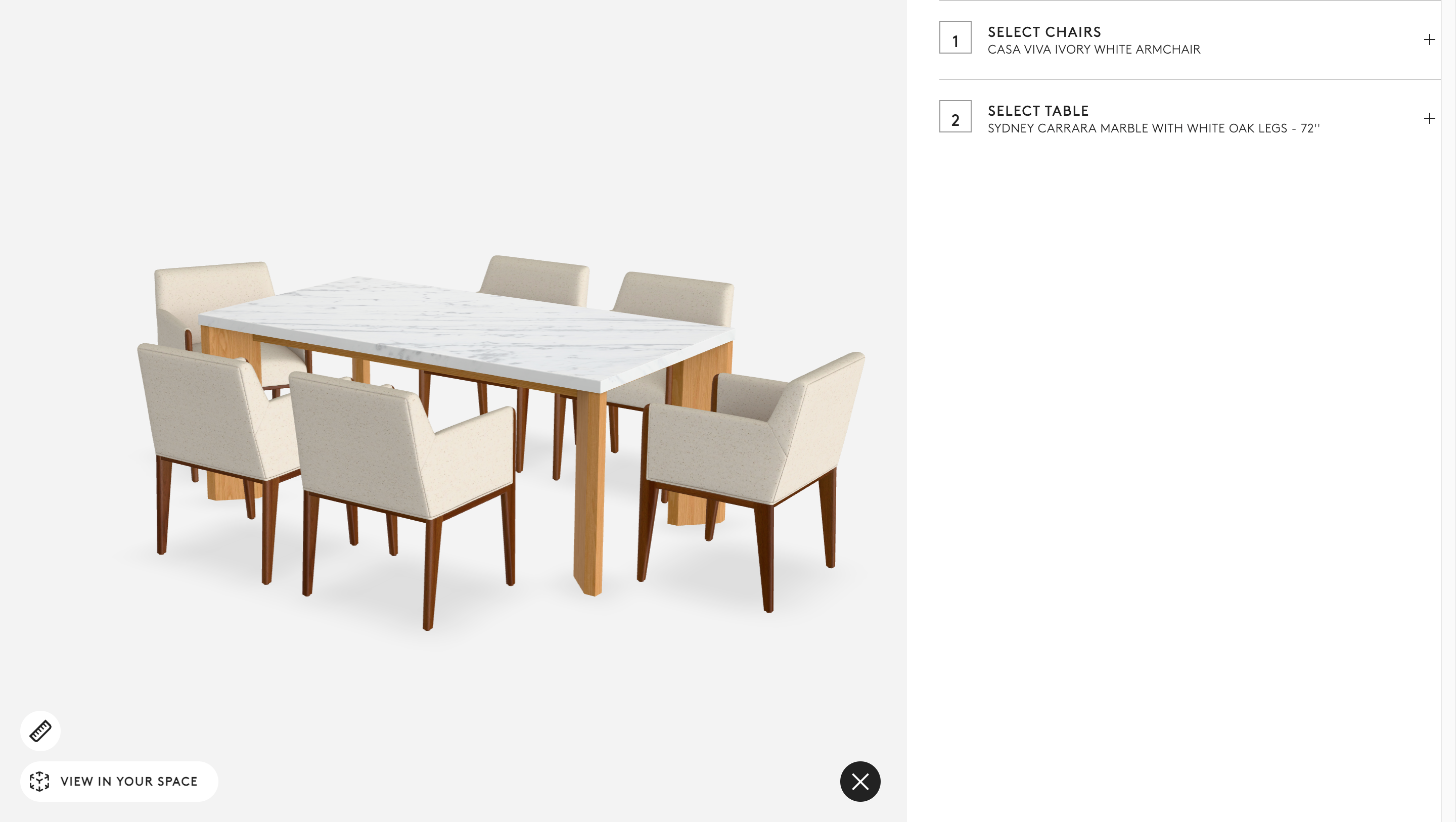
Colour selection
Swatches, option labels, and typography match the Crate and Barrel design system
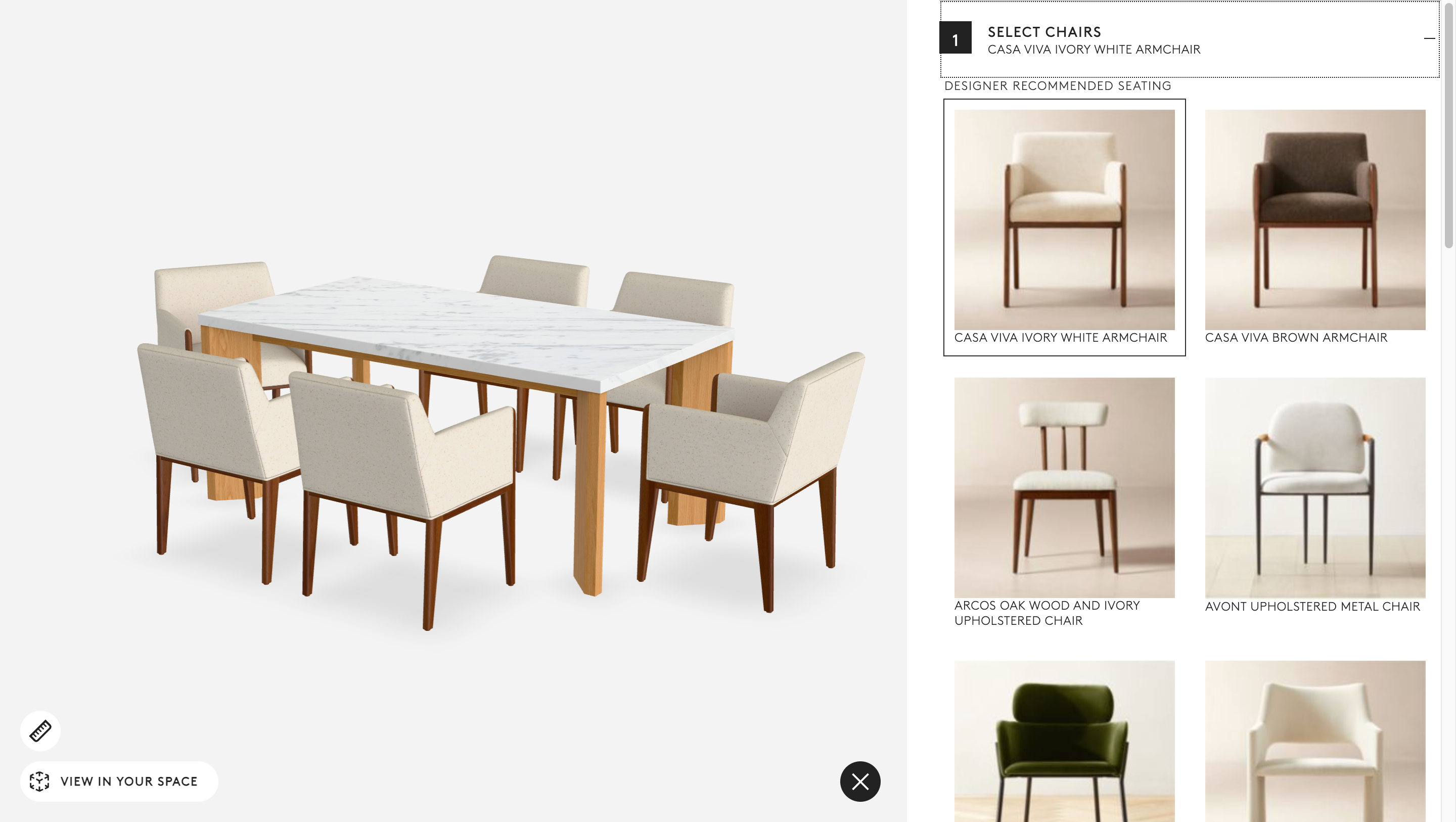
Finish and options
Button styles and layout follow C&B's own component library via CSS overrides
What the customer experiences: The configurator looks and feels like it belongs on the client's site. Fonts, colours and button styles match their brand. The underlying panel structure is still LD's, the client's CSS file does all the visual work. Compare with the simple embed to see the same options unstyled.
→ When to use this
- The default panel layout suits the product and option count
- Client needs brand-consistent styling but not a fully custom UI
- Client has a design system and can provide a hosted CSS file
- Fastest branded option: no JS, no frontend build step required
→ Project scope
- Client hosts a CSS file; it is linked in the LD CMS under Styling
- LD provides a CSS template with all overrideable selectors documented
- Typical client effort is minimal, for a developer familiar with their brand identity
- Upgradeable to a Web Component integration at any point without rebuilding the scene